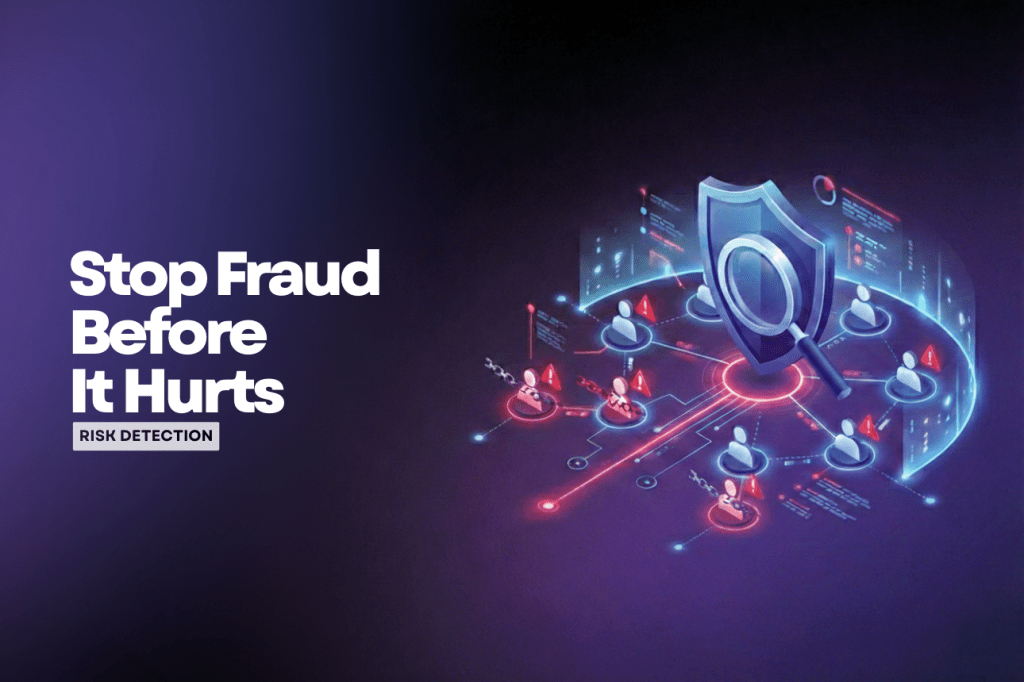
I want to share some common fraud behaviors I’ve encountered in my work.
I’m on the operations side, where my main responsibility is monitoring the platform and user activity. Day-to-day, my job is to observe what users are doing, identifying whether their behavior is normal or suspicious, and spotting early signs of fraud.
Many applications offer benefits to users, but those benefits always come with the risk of abuse. The question is: what happens if your company doesn’t have a person or team dedicated to handling this kind of behavior?
Fraud doesn’t just affect operational costs. If your platform also serves clients, you act as a bridge between users and those clients. Once fraud slips through, you lose client trust, and that’s much harder to recover than money.
If you’re a solo founder or running a small platform without a dedicated security or fraud team, you can still take preventive steps. Even if you’re not a developer, you can request basic safeguards to be implemented.
Below are some common fraud patterns I’ve seen, hopefully, they help you avoid the same mistakes.
1. OTP abuse (SMS or WhatsApp)
If your platform uses OTP via SMS or WhatsApp, always set limits:
- Limit how many OTP requests a user can make per day
- Add a cooldown time between OTP requests
A normal user usually needs no more than 2–3 attempts. Rarely more than 5. Fraudulent users, on the other hand, may request OTPs hundreds or even thousands of times, intentionally draining your SMS or WhatsApp credit. That directly hits your operational cost, and it adds up fast. Set limits. Always!
2. Promotion, benefit, or reward abuse
If you offer promotions or rewards, your rules must be very clear.
Otherwise, don’t be surprised if:
- A promotion meant for 1,000 real users
- Ends up being redeemed by 200 real users and 800 fake accounts
Why does this happen? Because one person can create multiple accounts to redeem the same benefit, especially if your system only checks a single unique ID.
If you want rewards to reach real, genuine users, consider adding prevention checks such as:
- Email patterns (fraud users often use very similar email formats)
- Phone numbers (bulk SIM cards often differ only by the last digit)
- Behavior patterns (fraud users usually follow the same flow: register → claim benefit → disappear)
3. VPN usage
Users accessing your platform via VPN are not automatically fraudulent.
However, VPN usage combined with:
- repeated registrations
- identical behavior patterns
- reward-only activity
…should raise a flag. The key is pattern recognition, not a single signal.
4. Learn from your users and community
Spend time blending in with your users or community.
They often reveal:
- feature weaknesses
- loopholes in your system
- unintended behaviors you didn’t anticipate
This helps you see your platform from the user’s perspective and think ahead about how your system might be exploited.
Final thought
That’s my two cents on dealing with common fraud behavior. Recognizing patterns like account duplication, VPN abuse, OTP spamming, and mass registrations is critical to protecting your platform. Proactive fraud prevention doesn’t just save operational costs, it protects client trust and preserves the integrity of your business. Don’t wait until fraud becomes a real problem.
Trust me, your clients and your wallet will thank you later.
—
If you need a +1 on something you’re building, I’m in.



 Timy Space